DLIMS Tracking: Check Your Punjab Driving License Delivery Status
DLIMS tracking lets you follow your Punjab driving license card from printing to dispatch on the official portal. You only need your CNIC or passport number, and the result appears in seconds.
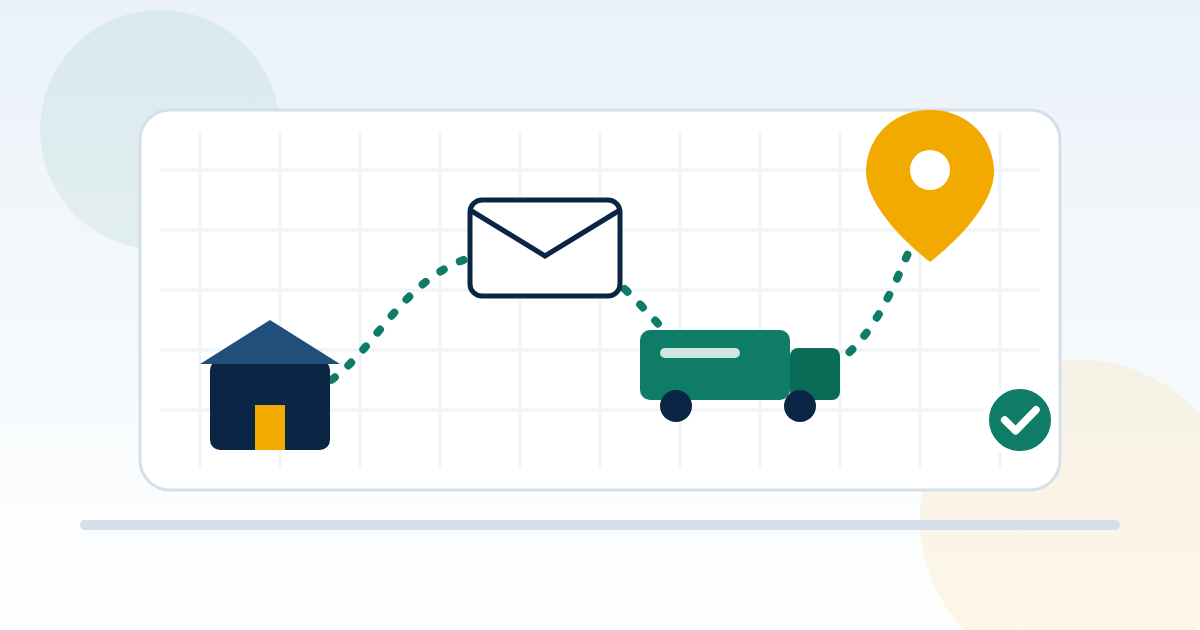
How does DLIMS tracking work?
To track a Punjab driving license, open dlims.punjab.gov.pk/track and type the CNIC or passport number you applied with. Then answer the small sum and press Track License. The Tracking Result shows your card's current stage, such as processing, printing or dispatch. You do not need a separate tracking ID for the Punjab tracker.
On this page
- How does DLIMS tracking work?
- How to track your Punjab driving license on dlims.punjab.gov.pk/track
- What you need for DLIMS tracking: CNIC, passport or tracking ID?
- DLIMS tracking statuses explained
- Punjab driving license delivery: how the card reaches you
- Card not received, returned or sent to the wrong address
- Tracking learner, renewal and duplicate applications
- DLIMS tracking in other provinces
- Related Punjab license guides
- Frequently Asked Questions About DLIMS Tracking
- Final word on DLIMS tracking
Punjab issues licenses through DLIMS 2.0, which the Punjab Information Technology Board (PITB) runs as part of the Dastak one-window system. The same system that takes your form and payment also records your card's progress. So the tracker simply reads that record back to you.
However, keep one limit in mind. In late August 2026, ProPakistani reported that DLIMS mainly shows whether a card is being processed or printed. The same report described a planned link with the delivery service, so that handover and location updates would also appear. Until those updates show on your screen, expect stage information rather than a live map.
How to track your Punjab driving license on dlims.punjab.gov.pk/track
The tracking form has just one field plus a small sum. As a result, the whole check takes less than a minute on any phone.
What you need for DLIMS tracking: CNIC, passport or tracking ID?
Many people search for a DLIMS tracking ID and worry when they cannot find one. Fortunately, the Punjab tracker does not ask for it. The form only asks for your CNIC or passport number, plus the captcha sum.
Still, a few other details help when you call for support. Keep these together until your card arrives:
- The CNIC or passport number you applied with
- Your PSID (Payment Slip ID) receipt from e-Pay Punjab
- The name of the license centre where you applied
- The postal address you gave on the application
- The mobile number registered on the application
Other provinces work differently. For example, the AJK portal uses a tracking number for its applicant dashboard. So always follow the form in front of you.
DLIMS tracking statuses explained
The exact wording on screen can change as PITB updates the portal. So read the table below as a guide to the typical stages, not a list of guaranteed labels.
| Stage you may see | What it usually means | What you should do |
|---|---|---|
| Application submitted or in process | Your form and payment are recorded | Wait; finish any pending test |
| Approved or license issued | The license exists on the DLIMS record | Generate your e-license |
| In printing queue | Your card is waiting to be printed | Wait; check again every few days |
| Printed | The card has been produced | Expect dispatch next |
| Dispatched or handed to courier | The card has left for delivery | Keep your phone reachable |
| Delivered | The card reached your address | Check the details on the card |
| Returned or undelivered | Delivery failed | Contact DLIMS or your centre |
| No record found | Details don't match or not ready | Re-check CNIC or passport |
"Your regular license is in printing queue"
This is one of the most searched DLIMS messages. It means DLIMS has approved your regular license, and the card is waiting its turn at the printing stage. In other words, nothing is wrong with your application.
That said, this stage can last longer than people expect, and DLIMS publishes no fixed printing time. Meanwhile, you can generate a digital copy on the official DLIMS e-license page once your record is issued. Our DLIMS e-License guide explains how.
"No record found"
First, check that you typed the CNIC or passport you applied with. Next, confirm your application actually reached DLIMS, especially if you applied very recently. If the message persists, call DLIMS support rather than reapplying, because a second application can mean a second fee.
Punjab driving license delivery: how the card reaches you
After printing, DLIMS sends your card by courier to the address on your application. The Rs480 card and courier charge you paid covers this delivery. For the full cost breakdown, see our guide to the driving license fee in Punjab.
Delivery time varies with printing workload, your city and the courier's route. We have not found an official timeframe on the DLIMS portal. So rather than trust a fixed number of days, rely on your tracking result.
For a Punjab driving license delivery update, check the tracker every few days rather than every hour. Also, answer calls from unknown numbers once your card shows as dispatched. A courier may call to confirm your address.
Card not received, returned or sent to the wrong address
Most delivery problems have a fix. Match your situation below, then contact the right people.
The tracker shows delivered, but you have no card
First, ask family members, neighbours and your building guard. Someone else may have signed for it. If the card is still missing, contact DLIMS Punjab with your CNIC and a screenshot of the tracking result.
The card was returned
A card usually comes back when the courier cannot find the address or reach you. In that case, contact DLIMS Punjab or the license centre where you applied. Ask how they want to re-send or hand over the card, and what proof they need.
You gave the wrong address or have moved
You cannot edit the address on the tracking page. Instead, contact DLIMS support or visit your license centre as early as possible, ideally before the card is dispatched. Find the nearest office in our list of driving license centres.
The status has not changed for weeks
A long printing queue is not unusual. Still, if nothing moves for an unusually long time, raise it with DLIMS support. Keep your PSID receipt and application date ready.
Who to contact
- DLIMS Punjab: 042-99202892 or info@dlims.punjab.gov.pk
- Dastak support: 1202, or the Dastak services portal
- Your license centre, in person, with your CNIC and receipt
Tracking learner, renewal and duplicate applications
Not every DLIMS service produces a card to track. Here is how the main ones differ.
- Learner permit: Punjab issues it online through DLIMS and Dastak, and the digital copy sits in your applicant account. So learner license tracking really means checking your account. Our DLIMS learner guide covers it.
- Renewal: A renewed license gets a new card, which you track in the same way. Our driving license renewal Punjab guide explains the fees and late penalties.
- Duplicate: A duplicate card also goes through printing and courier, so the same tracker applies.
- Verification: Tracking shows where your card is. It does not prove a license is valid. For that, use an online driving license check by CNIC.
DLIMS tracking in other provinces
Each province runs its own licensing system. Therefore, the Punjab tracker only finds Punjab applications.
- Sindh: People searching driving license tracking Sindh should start with the official DLS Sindh portal and our DLS Sindh guide.
- Islamabad: The Islamabad Traffic Police handle their own licenses. See our DLIMS Islamabad guide for the online options and helpline.
- Khyber Pakhtunkhwa: Since May 2026, Dastak KP reportedly handles learner, new, renewal and duplicate licenses, including tracking. For license tracking KPK, read our KPK driving license verification guide.
- AJK: The AJK Police DLIMS portal offers real-time tracking through an applicant dashboard. Our DLIMS AJK guide walks through it.
- Balochistan and Gilgit-Baltistan: Online tracking options are more limited, so confirm with the license branch. See our DLIMS Balochistan and Gilgit-Baltistan guides.
Related Punjab license guides
Frequently Asked Questions About DLIMS Tracking
Here are short answers to the questions applicants ask most.
01How do I track my driving license by CNIC in Punjab?
Open dlims.punjab.gov.pk/track and type your CNIC without dashes. Then answer the small sum and press Track License. The Tracking Result shows your card's current stage.
02Do I need a DLIMS tracking ID?
No, the Punjab tracker only asks for your CNIC or passport number. Still, keep your PSID receipt, because support staff may ask for it. Some other systems, such as AJK's, use a tracking number instead.
03What does "your regular license is in printing queue" mean?
It means DLIMS has approved your regular license and the card is waiting to be printed. Your application is fine. Meanwhile, you can generate an e-license from the DLIMS portal.
04How long does license delivery take in Punjab?
It varies with printing workload, your city and the courier's route. We have not found an official timeframe on the DLIMS portal. So rely on your tracking result and follow up if nothing moves for a long time.
05Can I see where my card is on a map?
Not at the moment, as far as we can confirm. In August 2026, news reports described plans to add handover and location updates to DLIMS. Until then, the tracker mainly shows processing and printing stages.
06What should I do if my card was returned?
Contact DLIMS Punjab on 042-99202892 or visit the license centre where you applied. Ask how they will re-send or hand over the card. Take your CNIC and PSID receipt with you.
07Can I change my delivery address after applying?
You cannot change it on the tracking page. Instead, contact DLIMS support or your license centre as early as possible. Acting before dispatch gives you the best chance of a smooth fix.
08Why does DLIMS tracking show no record found?
Usually the CNIC or passport number does not match your application. Re-type it without dashes and use the same document you applied with. If it still fails, call DLIMS rather than applying again.
09Can I track my learner permit on the DLIMS tracker?
A learner permit is issued online, so there is no card to track. Instead, you find the digital copy in your DLIMS or Dastak applicant account. The tracker is mainly for printed license cards.
10Does DLIMS tracking work for licenses from other provinces?
No, it only covers Punjab applications. Sindh, Islamabad, KP, AJK, Balochistan and Gilgit-Baltistan run their own systems. Use the relevant provincial portal instead.
Final word on DLIMS tracking
DLIMS tracking is the quickest way to see where your Punjab driving license card stands. Check it with the CNIC or passport you applied with, and keep your PSID receipt until the card is in your hand. Meanwhile, save an e-license so you always have a copy.
If a card stalls, gets returned or heads to the wrong address, contact DLIMS or your license centre early. Quick action usually saves a second trip.
Last reviewed: 30 September 2026 by the DLIMS Guide editorial team. dlims.com.pk is an independent guide and is not affiliated with the Government of Punjab, PITB, Dastak or Punjab Police. Always confirm fees and rules on the official portal.